Step 1: Faucet & Network Configuration
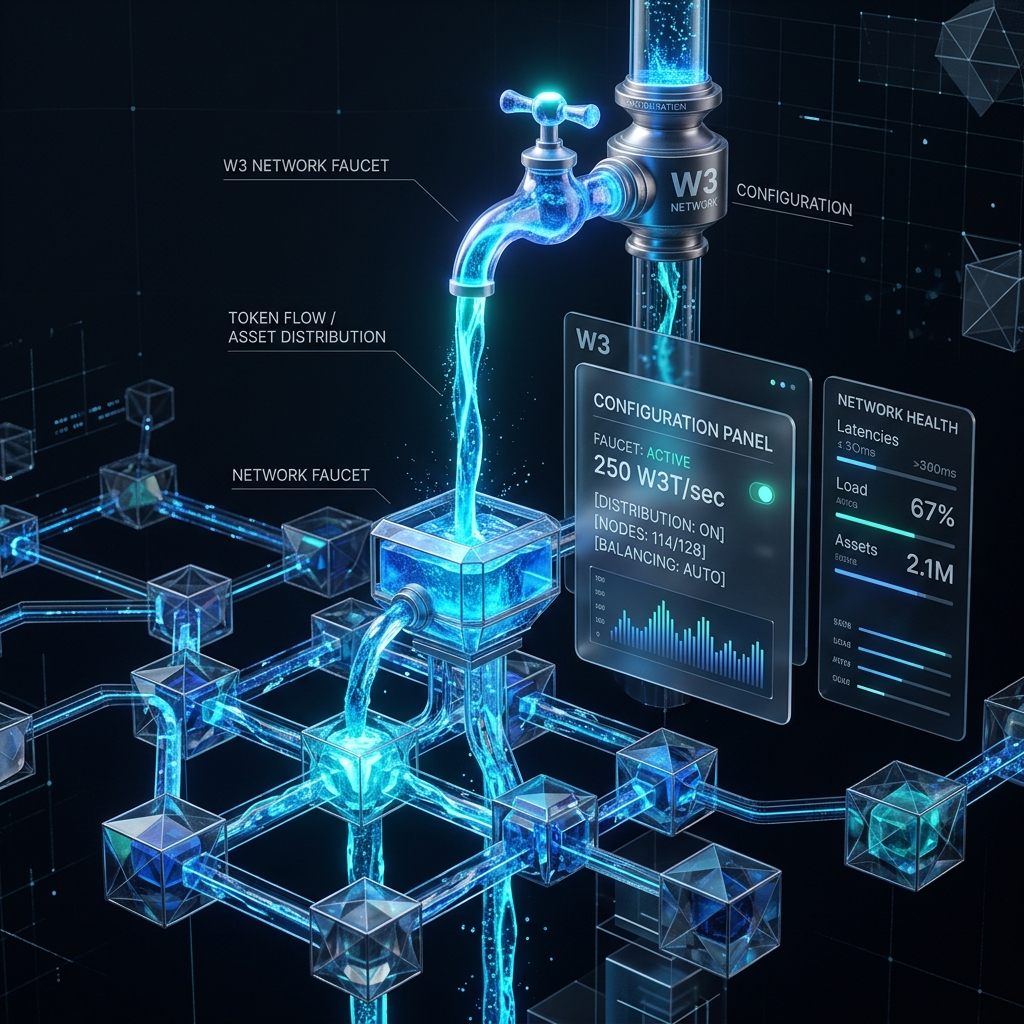 To participate in DeSix betting and market-making tests on Base Sepolia, you need to prepare two things:
- Base Sepolia ETH: Used to pay for on-chain transaction gas fees (Note: If you log in using DeSix's social/email smart wallet, gas fees are automatically sponsored by the official Paymaster—no ETH is required! However, if you use an external EOA wallet like MetaMask, you will need to prepare a tiny amount of ETH for gas).
- Mock USDC Test Tokens: This is the sole token used for trading and market-making settlement on the DeSix platform. You can claim 1,000 ~ 5,000 test USDC with one click.
1. Platform Login & Wallet Creation
DeSix supports two types of wallet interactions. Please choose according to your testing preferences:
Method A: Social/Email One-click Login (Recommended, Simplest)
- Click [Login] in the upper right corner of the homepage.
- Select [Social/Email Login] (e.g., Google, Email).
- The platform will automatically deploy a smart contract wallet (AA Wallet) for you on-chain based on ZeroDev Kernel v3.1.
- No downloads, no plugins, no seed phrases required. Your transaction gas fees will be fully sponsored by the protocol Paymaster!
Method B: Use a Traditional Web3 Wallet (MetaMask, etc.)
- Install MetaMask / Coinbase Wallet browser extension or App.
- Switch network to Base Sepolia Testnet.
- Network Name:
Base Sepolia - Chain ID:
84532 - RPC URL:
https://sepolia.base.org - Currency Symbol:
ETH - Block Explorer:
https://sepolia.basescan.org
- Network Name:
2. Obtain Testnet Base Sepolia ETH (Gas Fee)
If you are using a traditional wallet (Method B), you need to claim a small amount of test ETH first:
TIP
We recommend using the following stable and free testnet faucets:
- 🚰 Base Official Faucet (Claim 0.1 ETH daily when logging in with Coinbase Wallet)
- 🚰 Alchemy Base Sepolia Faucet (Register an Alchemy account to claim)
- 🚰 QuickNode Faucet (Fast and stable)
Once claimed successfully, you can view the arrival of your funds on the block explorer.
3. Claim Mock USDC Test Tokens
To start betting or participating in market making, you need to acquire Mock USDC:
- One-click Claim in Platform (Easiest):
- Log in to the DeSix platform and go to the [Me / Wallet] page.
- Find the "USDC Test Tokens" section and click the [Claim (Faucet)] button.
- After the transaction is confirmed on-chain, you will immediately receive a test limit of
1,000.00 USDC.
- Direct Contract Mint (Backup):
- If the frontend fails to respond due to RPC fluctuations, you can go directly to the Base Sepolia explorer and visit the Mock USDC contract:
- 📄 Mock USDC Address:
0xd549d3Def57512dcFF045aF5a2EdB366c57529dc - Under the Write Contract page, locate the
mint(address to, uint256 amount)orfaucet()function, connect your wallet, and manually mint your test tokens.
4. Wallet Assets Configured
When you see the following status on your Me page dashboard, your testing environment is ready:
- USDC Balance:
1,000.00 USDC(Available) - Network Status:
Base Sepolia(Green Light)
Next, you can head over to the betting page to experience the thrill of "one-click silent betting"! Next: Silent One-click Betting Guide ➡️